Edge Computing is no longer just a simple data collector. Today, our SmartEdge devices take on increasingly critical tasks, executing algorithms that directly expand machinery capabilities. We are talking about vital operations such as closing the control loop, reparameterizing a machine in real-time, or even commanding an immediate stop if an anomaly is detected.
When you reach this level of operational integration, the margin of error is zero. Your Edge device cannot afford an interruption at the wrong time.
Until now, unattended and automatic updates have been one of our great advantages to facilitate Edge management at scale. However, in such demanding OT (Operational Technology) environments, this automation needs to be controlled. Imagine the SmartEdge is about to predict a serious problem in a part and needs to order the machine to stop. If that vital action coincides with an automatic update that reboots the equipment, you would face an unacceptable operational risk.
To give you absolute control and protect your most delicate production processes, today we are announcing a new feature: Protected Mode is now available for SmartEdge.
What is Protected Mode in Edge devices and how does it work?
This new feature allows you to mark specific SmartEdges as critical devices. The goal is to give you the command: ensuring that no automatic update interrupts the service and that you are the one who decides the ideal time to apply it.
Once you activate Protected Mode on a SmartEdge, the update flow changes:
- Standby reception: IIoT platform administrators (Cloud or Fog) will be able to continue sending bulk updates to the entire fleet of devices, but devices marked as "protected" or "critical" will not adopt the new configuration automatically or in an unattended manner.
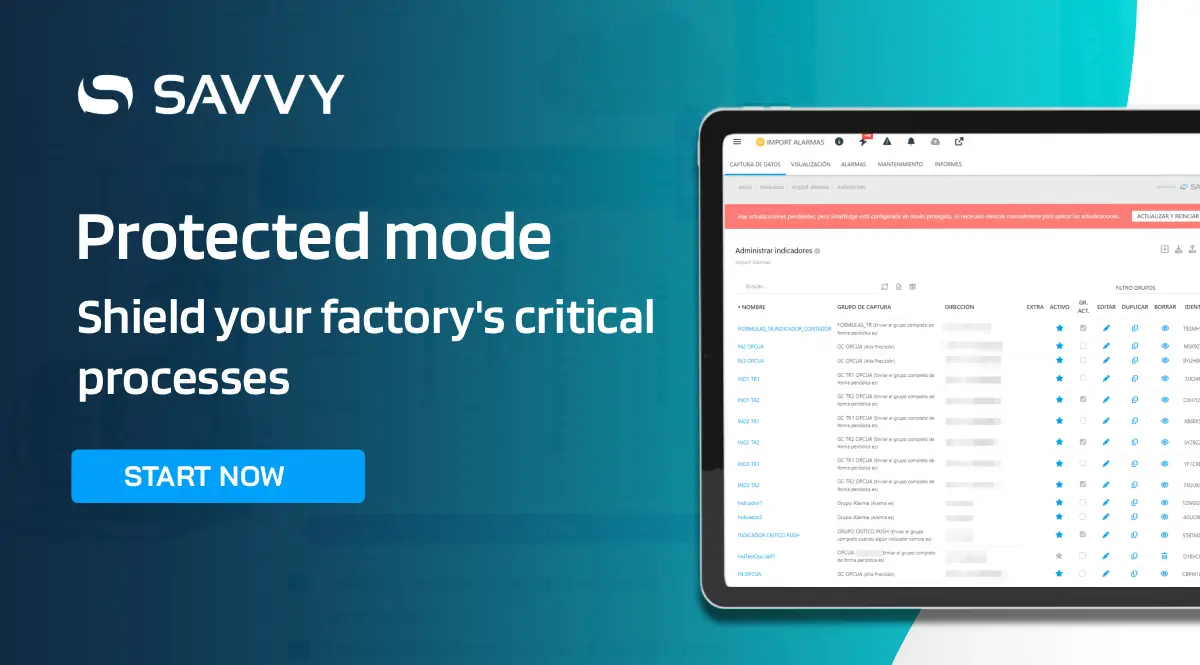
- System alerts: When an update is pending, a notice will appear on the SmartEdge profile, as well as in various spaces on both the administration panel and the local user interface.
- On-demand execution: The update will require manual action. An authorized user can choose the moment of least impact on production and click "Restart and update" (a system very similar to the one we all know in Windows).
- Leveraging natural stops: Alternatively, if the device physically restarts (for example, when turning off the machine it is connected to), the SmartEdge will use that startup to load the update automatically, without affecting the connection to data sources during production hours.
What updates does Protected Mode cover?
The control offered by Protected Mode covers the device's key configurations, including:
- Equipment Firmware.
- Industrial data capture settings.
- Interoperability settings with other systems in your plant.
Zero unplanned interruptions in your production
The direct benefit for your factory is clear: there will be no automatic service stops or operational surprises. You have the power to actively command the update or let the machine's own cycle do it for you, ensuring maximum profitability and absolute control over your processes.
The Edge provides incalculable value, but that value is only real if it respects and adapts to the rhythms of your plant.
Do you want to discover how to securely and centrally manage and orchestrate all your Edge devices without affecting your production?